Timer Instructions

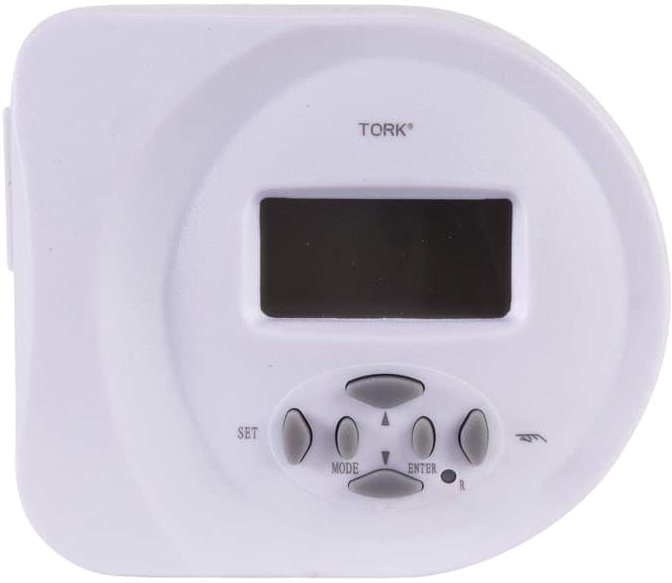
Prior to reprogramming the timer, be sure to use a straightened paper clip to gently press the reset button in the tiny hole on the front of the timer until you see the screen change.  Once you see the screen change, the timer has been reset.   

 
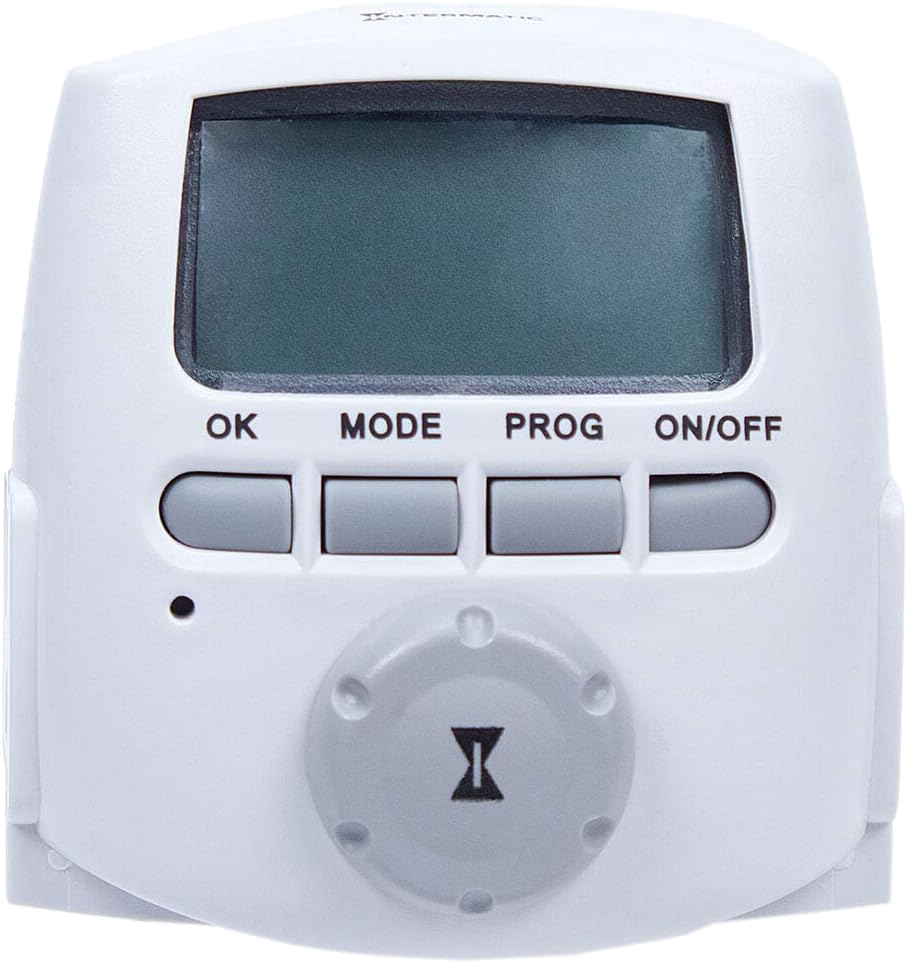
The timer does have backup batteries which maintain the settings in the event of a power failure or disruption.  If your backup batteries are still good, you can bring the timer inside to reprogram it.  You shouldn't lose any settings when you bring it back to the transformer.  The Intermatic DT-620 timer uses
(2) LR44 button backup batteries that may need replacing if they are very old.  The Tork backup battery is built-in and recharges by plugging it into a functional outlet.  It is not replaceable, so the entire Tork timer will need to be replaced once the built-in rechargeable battery fails to hold a charge over time.


You can elect to replace the timer with a smart plug so that you can set the routine for the lighting from your phone. Since the smart plug will be located inside the metal transformer box, it’s important to have a strong WiFi signal in that area for it to work reliably. If your WiFi isn’t strong there — or if you’re unsure about the signal strength — we recommend sticking with the astronomic timer. If you have a smart plug that you prefer, you can go ahead and use that. If not, we recommend this smart plug from Home Depot as it's unique. Most smart plugs require a smart hub of some sort, but this one doesn't. You only need the plug and your phone. You CAN tie it into Google Home and Amazon Alexa, but that's optional. You can also control it using Bluetooth in the event that your WiFi goes down.